
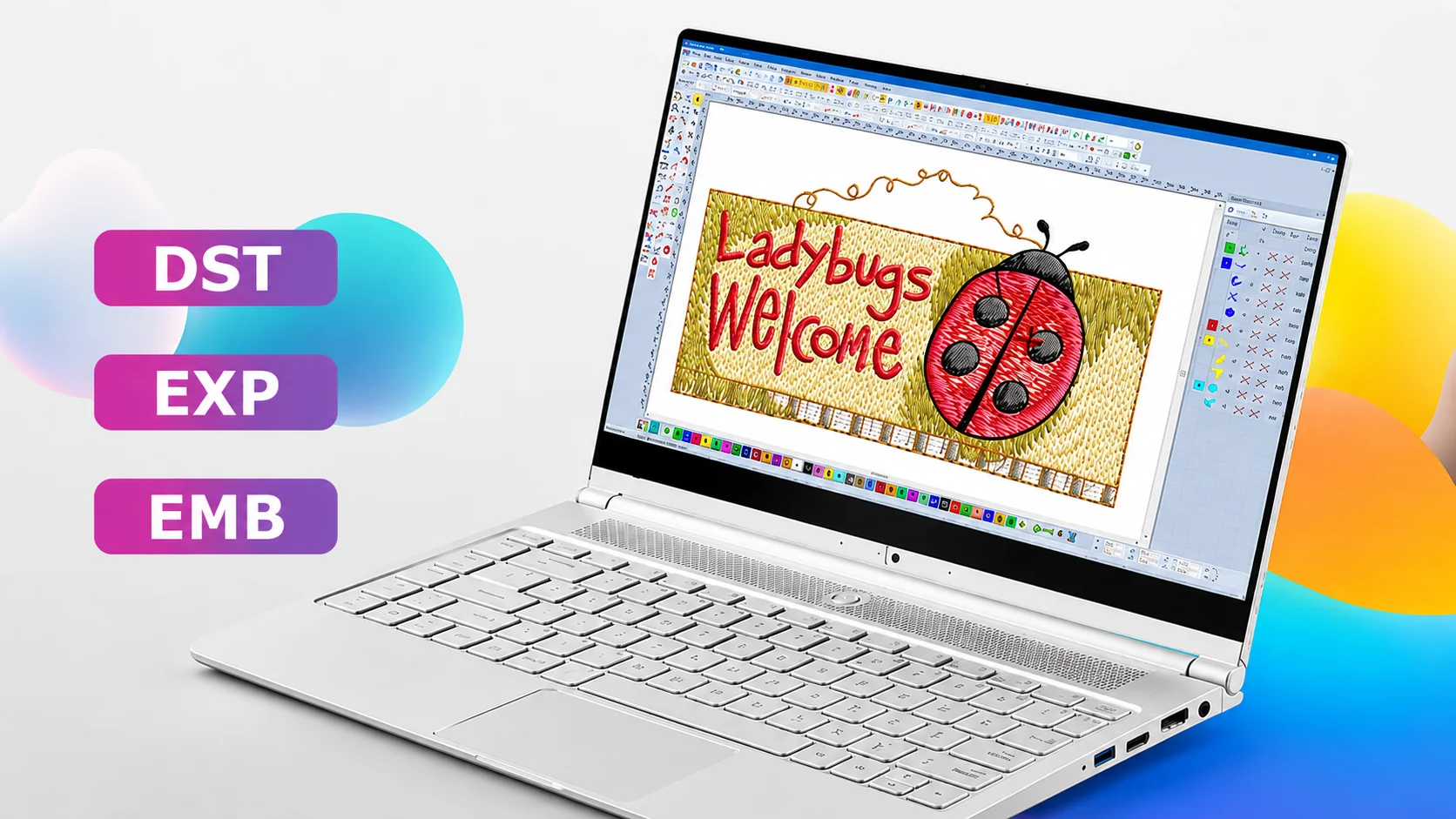
If you’ve ever downloaded a design and had your machine reject it, the problem usually isn’t the design itself — it’s the embroidery file format. Every embroidery machine reads a specific format, and using the wrong one is one of the most common reasons a file simply won’t run. Whether you’re new to embroidery or already digitizing regularly, knowing which format your machine needs — and why formats aren’t interchangeable — saves a lot of trial and error.
This guide covers the most common embroidery file formats and which machines use them, so you can choose the right file before stitching.
What Is an Embroidery File Format?
An embroidery file format is the way a digitized design is saved so a machine can read and stitch it. Unlike a regular image file, it doesn’t just store a picture — it stores the actual stitch-by-stitch instructions: needle positions, thread color changes, and stitch order. Different machine brands read different formats, which is why the same design often needs to be saved more than one way depending on who’s using it.
Common Embroidery File Formats
- DST (Tajima) — The closest thing to a universal commercial format. Most multi-head and industrial machines, including many non-Tajima brands, can read it, which makes it a safe default for embroidery shops working across different machine types.
- PES (Brother, Baby Lock) — The native format for Brother and Baby Lock machines. It stores color information within the file itself, which some other formats don’t.
- JEF (Janome) — Janome’s proprietary format, required specifically for Janome machines.
- EXP (Melco) — Common on Melco machines and many commercial multi-head systems as an alternative to DST.
- VP3 — Used by some Husqvarna Viking and Pfaff machines, similar in function to PES.
- XXX — Used by Singer machines, among a smaller group of proprietary formats.
Bernina machines are a bit different — rather than one single native format, many Bernina models import through their own software (like Bernina Embroidery Software) or accept EXP, so it’s worth checking your specific model rather than assuming.
Some machines can import more than one format, but they typically still have one native or preferred format that runs most reliably — worth checking your machine’s manual even if it technically accepts others.
Embroidery Machine Files vs Source Files
One point that often confuses beginners is the difference between an embroidery machine file and a source file. Formats such as DST, PES, JEF, EXP, VP3, and XXX are machine-ready files designed for stitching, while EMB is an editable source file created by embroidery software. If a design needs future edits, resizing, or stitch adjustments, keeping the original source file is usually the better option before exporting it to the machine format your embroidery machine requires.
Which Format Does Your Machine Need?
| Brand | Preferred Format |
|---|---|
| Tajima | DST |
| Brother / Baby Lock | PES |
| Janome | JEF |
| Melco | EXP |
| Husqvarna Viking / Pfaff | VP3 |
| Singer | XXX |
| Bernina | Software-dependent / EXP |
If you’re ordering a design from a professional digitizing service, this table is worth sharing with them directly — it removes the guesswork of matching the file to your machine.
How to Use an Embroidery File Format Converter
An embroidery file format converter can technically turn a DST into a PES or vice versa. The catch is that conversion doesn’t always preserve stitch quality — color sequencing, underlay, and density settings can shift slightly depending on the converter used, sometimes leading to a noticeably different stitch-out than the original file. For a one-off personal project, a converter might be fine. For business or client work, it’s usually more reliable to have the design digitized directly in the format your machine needs, rather than converting after the fact. For a technical overview of supported embroidery formats, Wilcom’s documentation is a useful reference.
Common Mistakes with Embroidery File Formats
- Assuming all machines read the same format — and finding out only after the file fails to load
- Converting a file instead of getting it digitized natively, then wondering why the stitch-out looks off
- Not checking which format a machine actually prefers, even when it technically supports more than one
- Losing color data during conversion, especially when moving between formats that store color information differently
Where PSA Digitizing Fits In
We’ve digitized files across DST, PES, JEF, EXP, and other formats for embroidery shops and individual machine owners across the USA for over 13 years. One of the most common questions we get isn’t about design complexity — it’s simply “which format do I need,” especially from people setting up a new machine or ordering their first digitized design. If you’re not sure which format applies to your setup, our embroidery digitizing services team can confirm it before your order goes into production.
For a deeper look at format-specific challenges, our guide on cap embroidery digitizing covers how format choice interacts with curved-surface stitching, and our beginner’s guide to embroidery machines covers what to check before buying a machine in the first place.
Conclusion
Embroidery file formats aren’t interchangeable, and the format your machine needs depends entirely on its brand — DST for Tajima and most commercial machines, PES for Brother and Baby Lock, JEF for Janome, and so on. When in doubt, check your machine’s preferred format before ordering or downloading a design, and be cautious with converted files if stitch quality matters. If you’re ever unsure, it’s worth asking PSA Digitizing directly rather than guessing.
FAQ
What is the file format for embroidery? There isn’t a single universal format — it depends on your machine brand. Common formats include DST (Tajima), PES (Brother/Baby Lock), JEF (Janome), and EXP (Melco).
Which embroidery file format is best? There’s no single “best” format overall — the right one is whichever your machine natively reads. DST is the closest to a universal commercial standard if you’re working across multiple machine types.
Can I convert one embroidery file format to another? Yes, using file conversion software, but conversion can sometimes affect stitch quality or color data. For important projects, getting the file digitized natively in your required format is more reliable.
Do all embroidery machines use the same file format? No. Each brand typically has its own native format, though some machines can import more than one.
Why won’t my embroidery machine read my file? This is almost always a format mismatch — the file was saved in a format your machine doesn’t support. Double-check your machine’s required format against the brand table above, and confirm the file wasn’t corrupted or incompletely converted if it was run through a converter.